> For the complete documentation index, see [llms.txt](https://docs.zeliot.in/condense/llms.txt). Markdown versions of documentation pages are available by appending `.md` to page URLs; this page is available as [Markdown](https://docs.zeliot.in/condense/v2.4.0/fundamentals/getting-set-up/select-a-custom-transform-connector.md).
# Select a Custom Transform connector
To select a custom transform, please follow below steps:
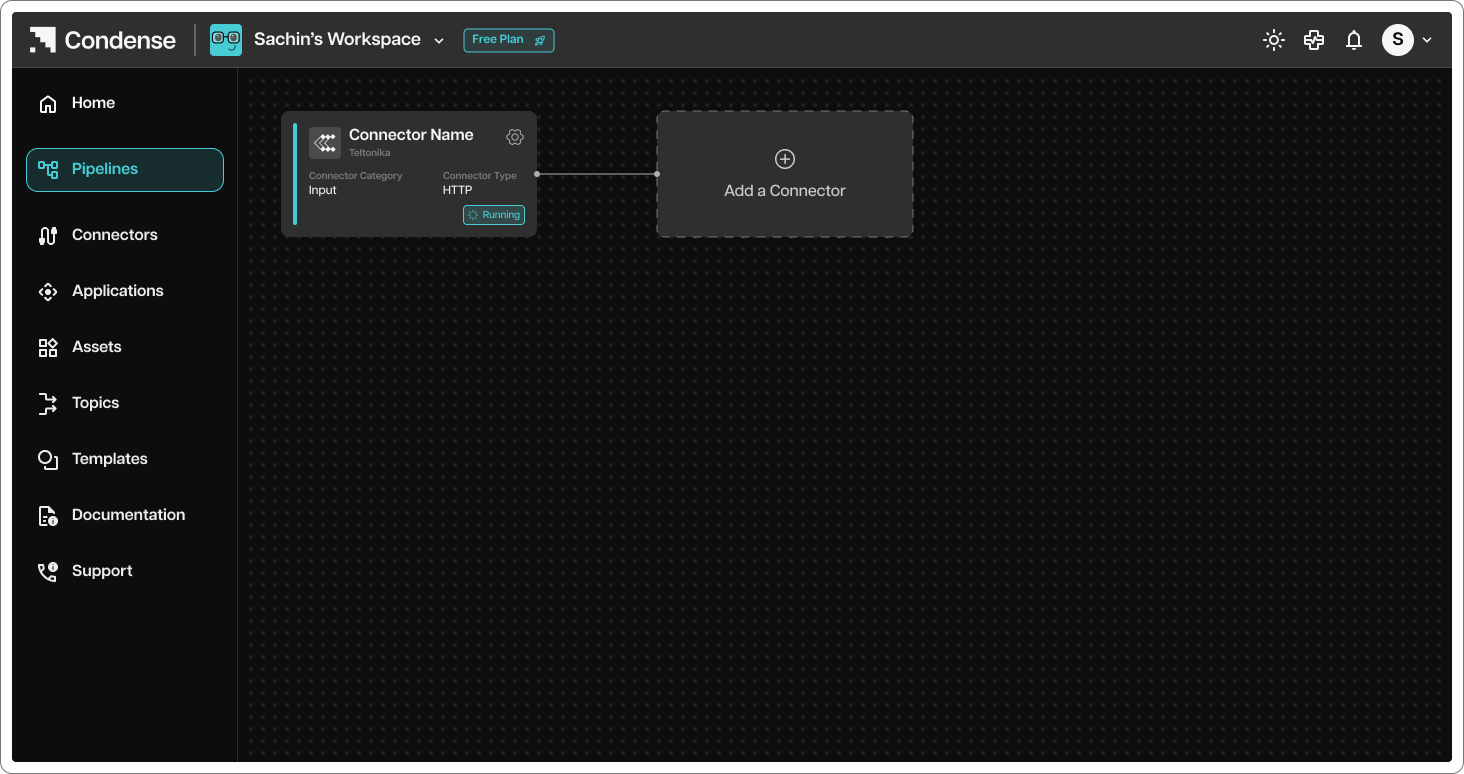
1. After configuring and deploying input connector, validate of the input connector is deployed successfully and running
2. To add custom transform to the input connector node, click on terminal option
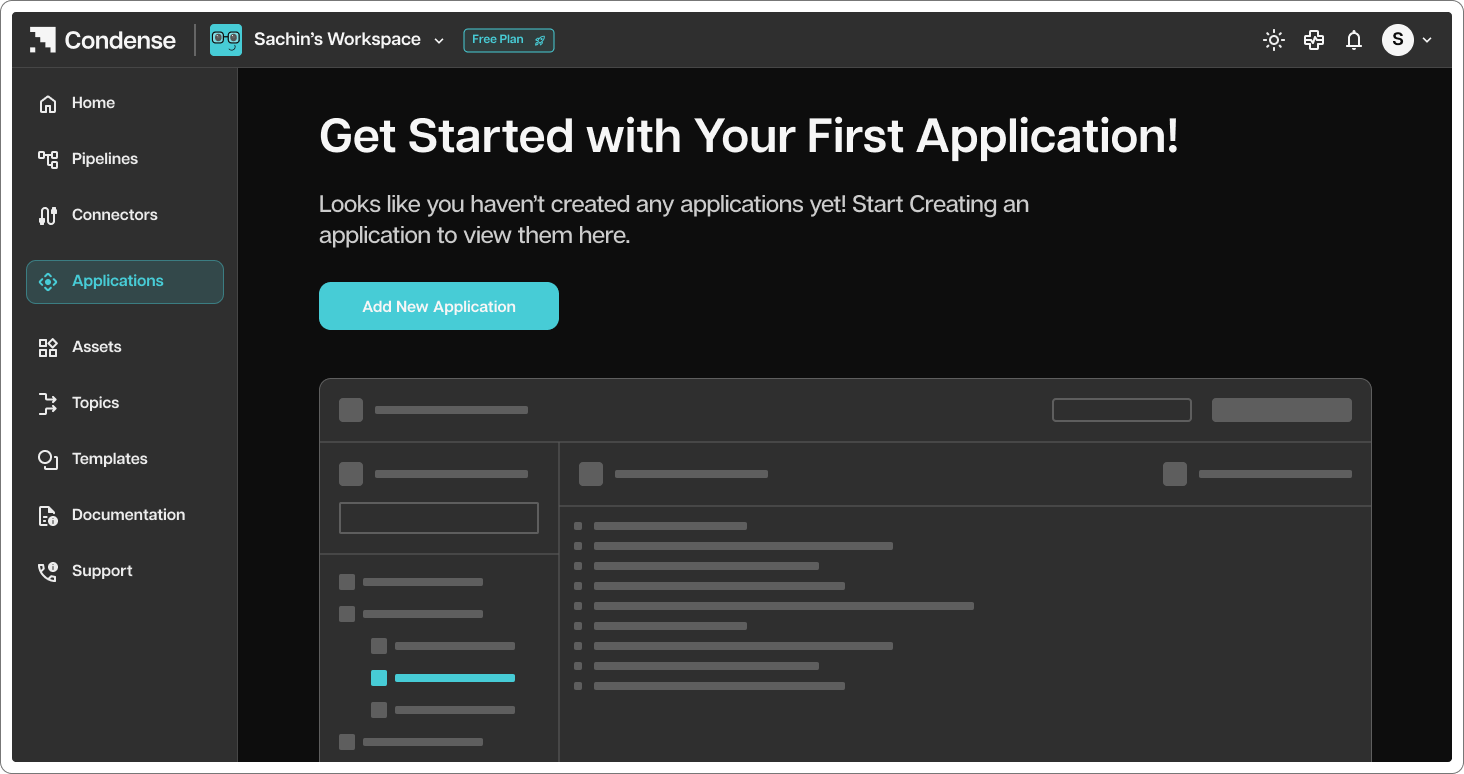
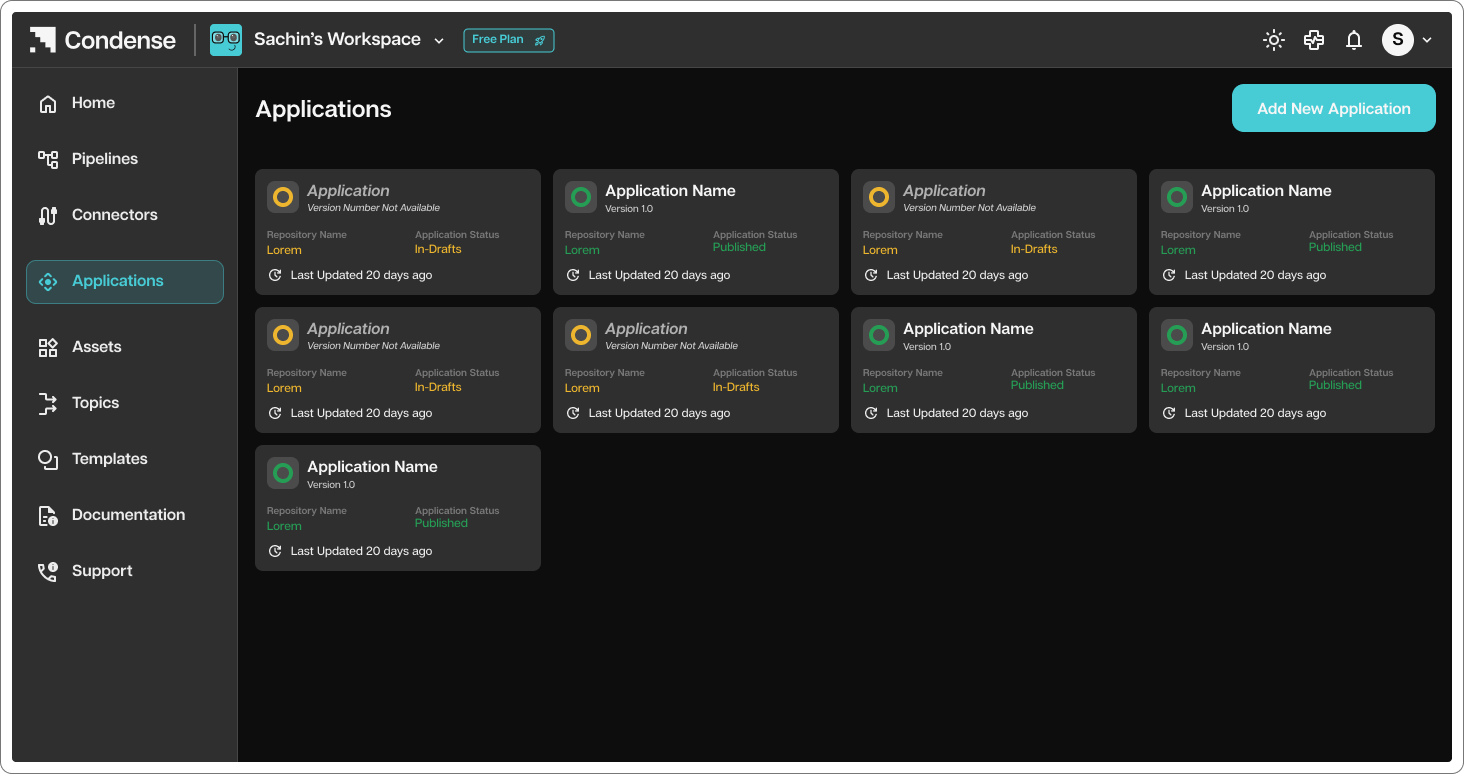
3. You will be redirected to connectors page where you can select application tab
4. Select Application connector to add to your pipeline