> For the complete documentation index, see [llms.txt](https://docs.zeliot.in/condense/llms.txt). Markdown versions of documentation pages are available by appending `.md` to page URLs; this page is available as [Markdown](https://docs.zeliot.in/condense/v2.4.0/fundamentals/getting-set-up/create-a-workspace.md).
# Create a Workspace
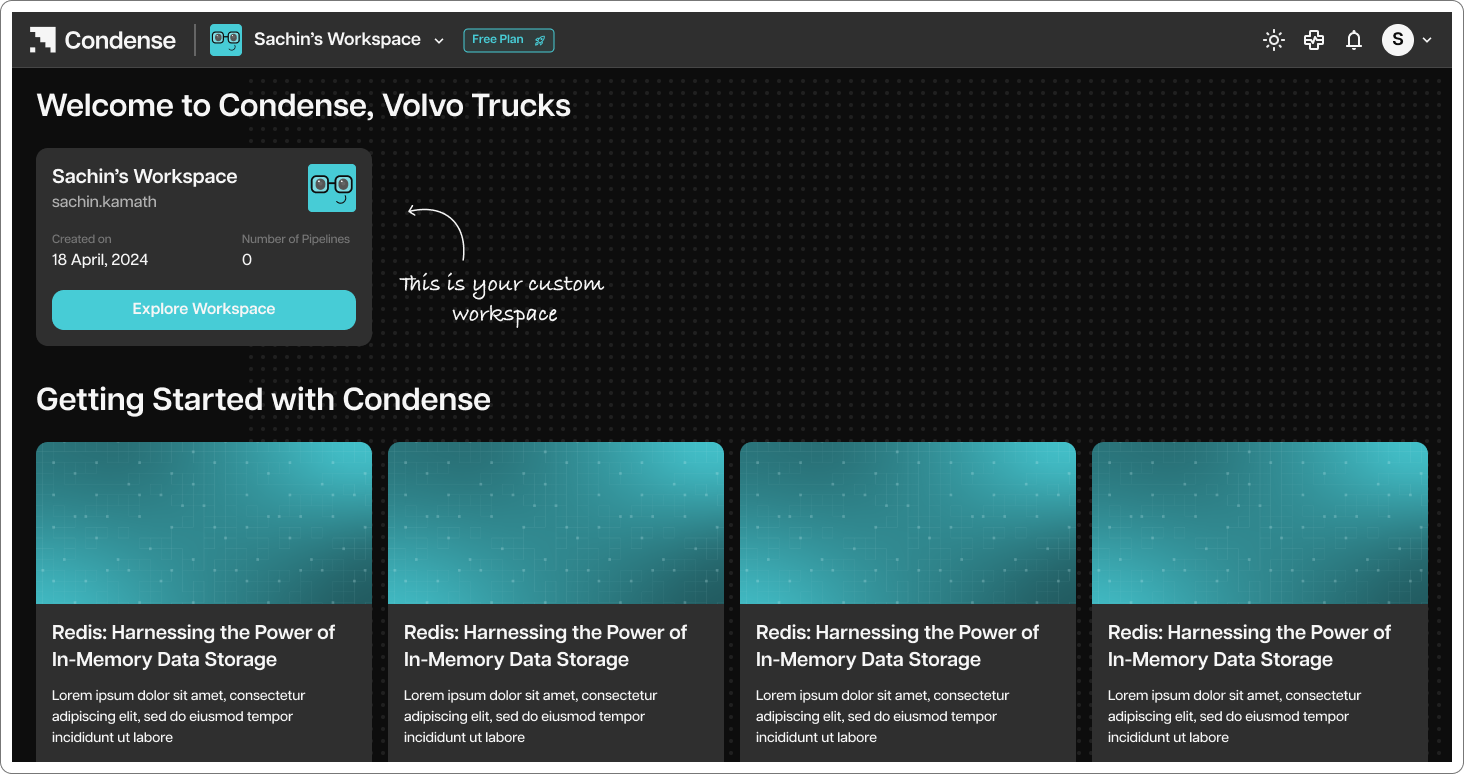
You first need to create a workspace in Condense. To create a workspace, Follow below steps:
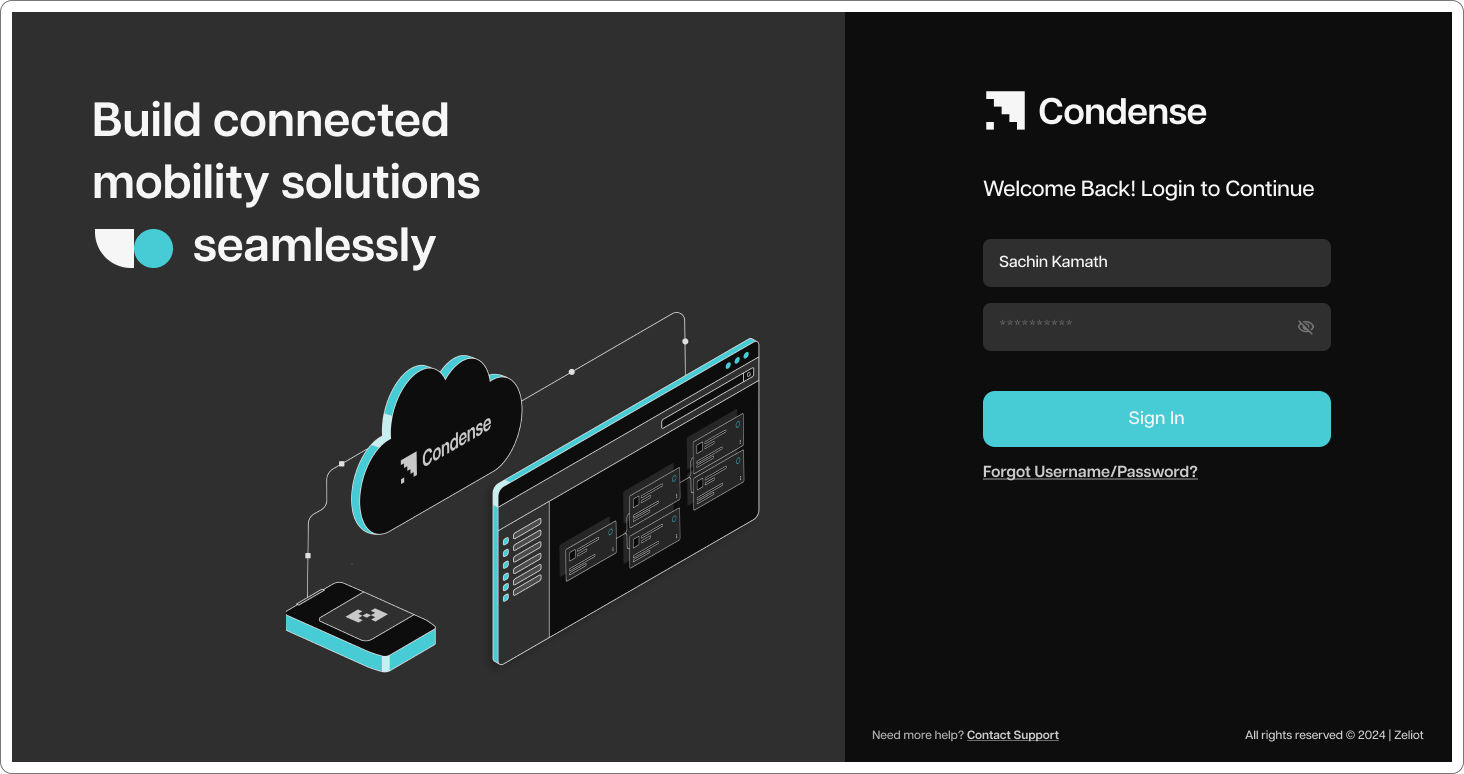
### Step 1 - Login to Condense with username and password
### Step 2 - Click on “New Workspace” and provide Workspace Name and Description and click on “create workspace”