> For the complete documentation index, see [llms.txt](https://docs.zeliot.in/condense/llms.txt). Markdown versions of documentation pages are available by appending `.md` to page URLs; this page is available as [Markdown](https://docs.zeliot.in/condense/v2.4.0/fully-managed-kafka/ksqldb.md).
# ksqlDB
## Overview
ksqlDB is a powerful, SQL-like streaming engine for Apache Kafka that enables real-time data processing and transformation. Integrating ksqlDB with Condense will enable users to perform complex data transformations and aggregations on Kafka topics directly from the platform.
## **Key Features**
### **Real-Time Data Processing**
1. Execute SQL-like queries on streaming data for immediate insights.
2. Supports filtering, joins, and aggregations in real time.
### **Stream and Table Management**
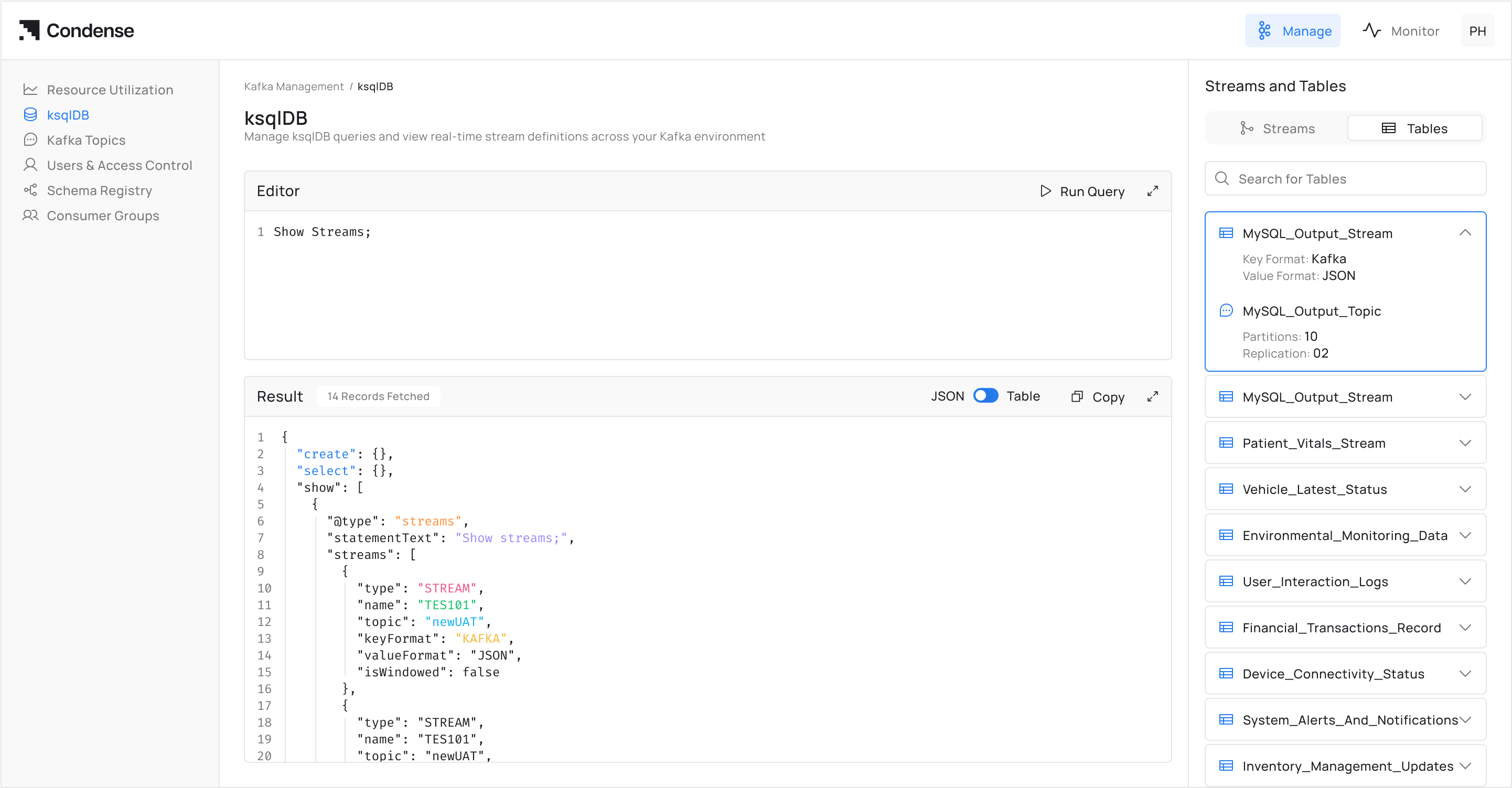
* Create, update, and delete streams and tables from Kafka topics.
* Streams for unbounded event sequences
* Tables for stateful data
### **Transient Queries**
* Run queries that process data on the fly without storing results.
* Ideal for real-time monitoring and alerting
### **User-Friendly Interface**
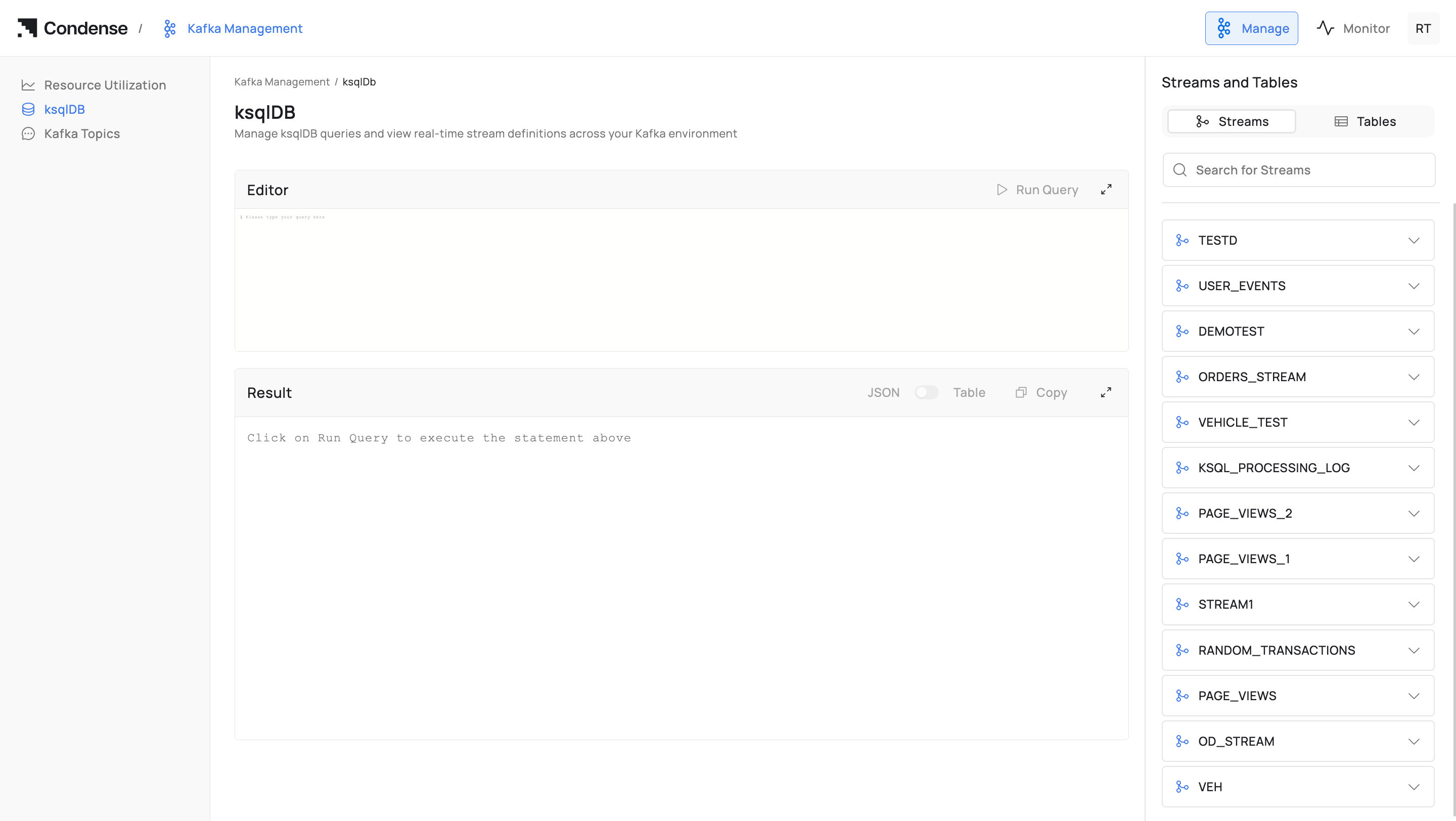
* Integrated directly into the Condense UI for seamless query execution.
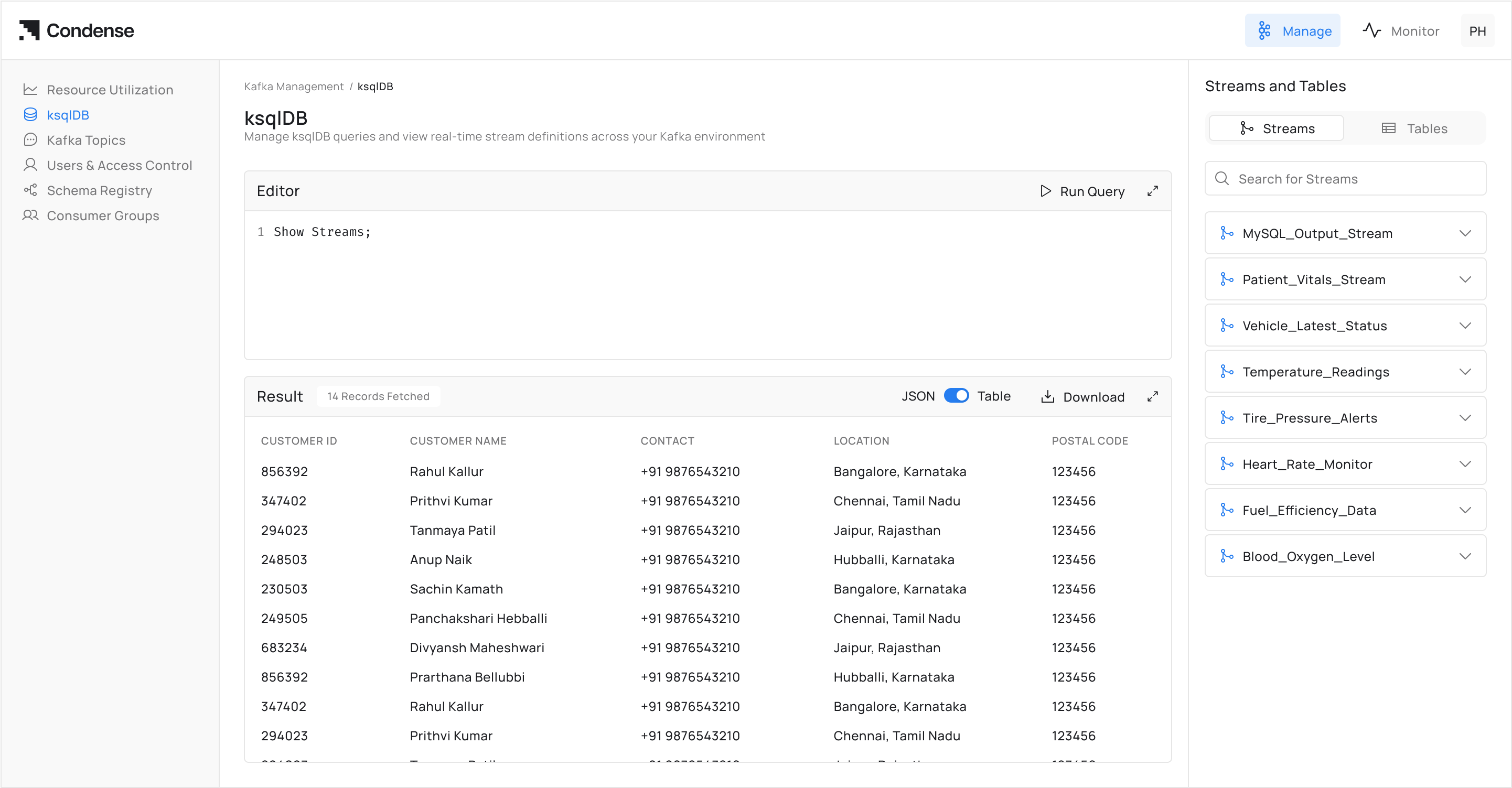
* Visualise query results in real time.
### **Role-Based Access Control**
* **Admin/Developer**: Full access to create and manage queries.
* **Viewer**: Read-only access (no KSQL permissions)
## **How to Use KSQL**
### **Prerequisites**
* Admin or Developer role in Condense
* Access to Kafka topics with read/write permissions
* Basic knowledge of SQL syntax
### **Step 1: Access KSQL Interface**
1. Log in to Condense with your credentials
2. Navigate to **KSQL** from the main menu
3. Select **New Query** to open the editor
### **Step 2: Create a Stream**
1. For processing real-time event data, in the query editor, enter your query
2. Click **Execute** to create the stream
### **Step 3: Create a Table**
1. For stateful data, in the query editor, enter your query
2. Click **Execute** to create the table
### **Step 4: Run queries**
1. Execute transient queries for real-time analysis
2. Click **Execute** to execute and view real-time results
### **Step 5: Monitor & Troubleshoot**
Review **Error Logs**:
1. Access logs below the query editor
2. Common issues: topic permissions, schema mismatches
## Frequently Asked Questions (FAQs)
#### **Q1: What is RBAC in KSQL?**
RBAC (Role-Based Access Control) restricts access based on predefined user roles:
* **Admin**: Full create/edit/delete permissions
* **Developer**: Create/edit permissions
* **Viewer**: Read-only access (no KSQL access in initial release)
{% hint style="info" %}
This information may be updated or revised in the future
{% endhint %}
#### **Q2: Can we allow KSQL to read from some topics but not others?**
1. Grant the user "Developer" or "Admin" role in RBAC
2. Ensure ACLs allow topic creation permissions
#### **Q3: How to allow KSQL to create new streams and tables?**
Yes, ACLs can be configured at the topic level to grant or restrict access to specific topics.