> For the complete documentation index, see [llms.txt](https://docs.zeliot.in/condense/llms.txt). Markdown versions of documentation pages are available by appending `.md` to page URLs; this page is available as [Markdown](https://docs.zeliot.in/condense/v2.4.0/condense-app-getting-started/features-of-condense-app.md).
# Features of Condense App
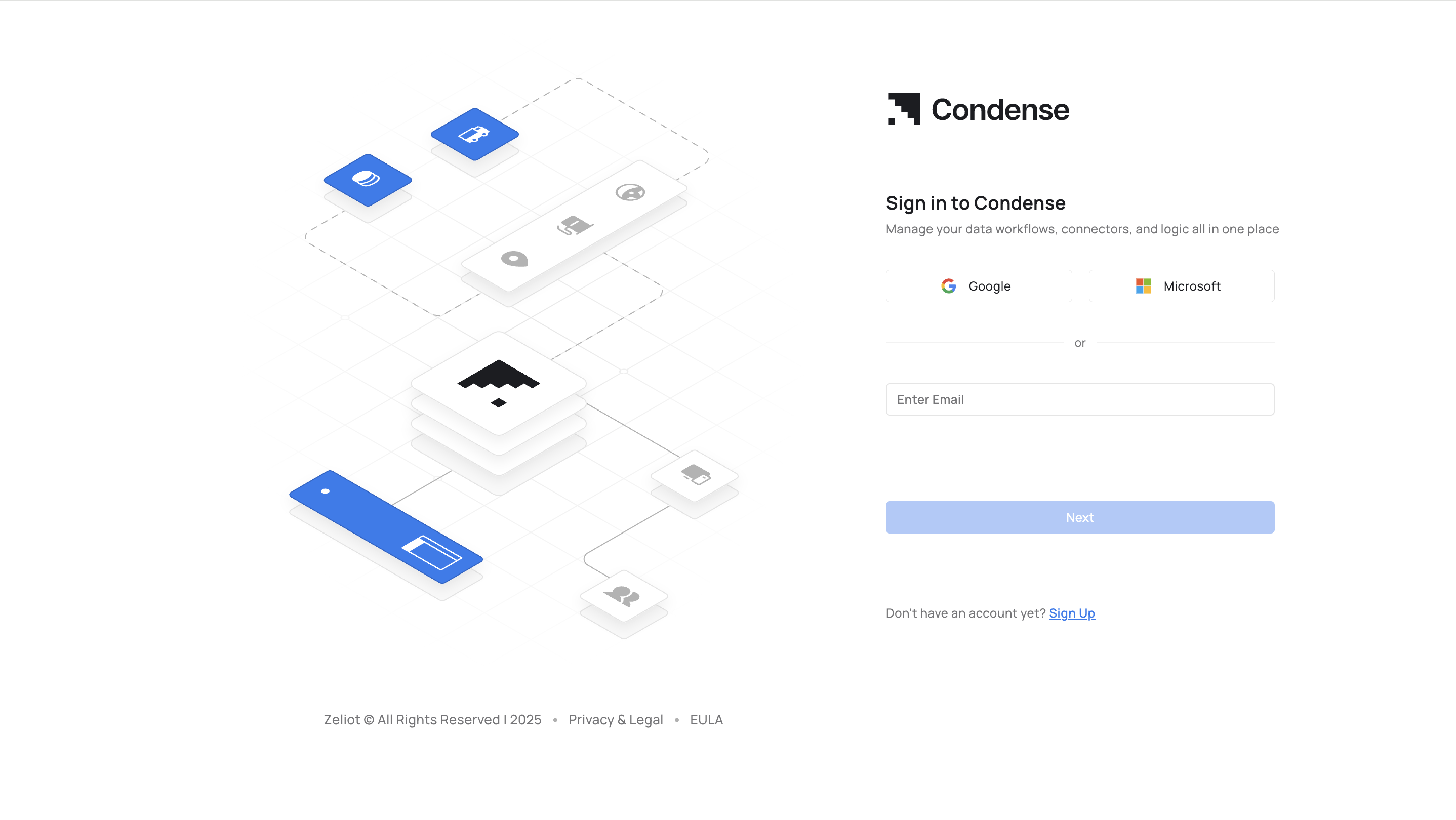
## SSO (Single Sign On)
### Seamless Authentication
Allows users to log in using corporate or third-party identity provider credentials (e.g., Google, Microsoft, Github).
### Google & Microsoft Integration
Currently supports Google-based SSO; Microsoft SSO will be enabled soon.
### Secure and Convenient Access
Reduces password fatigue and enhances security by centralizing authentication through work email.
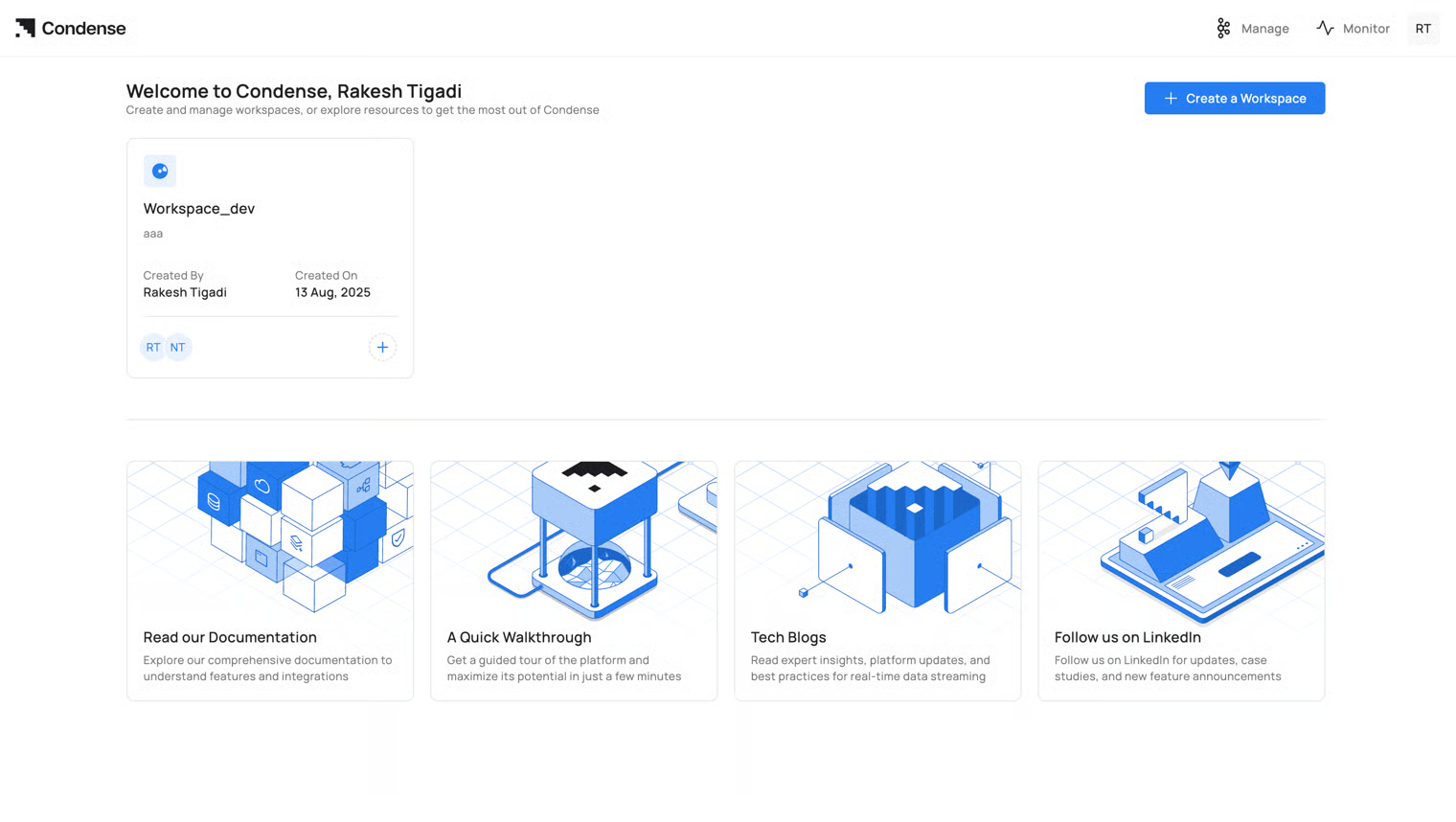
## Workspaces
1. **Centralized Development Environment**\
Workspaces in Condense act as dedicated areas for building, testing, and deploying pipelines.
2. **Default Workspace**\
New users are provided with a default workspace to explore features and set up pipelines.
3. **Custom Workspaces**\
Users can create additional workspaces, assign custom names and descriptions, and organize workflows effectively.
4. **Improved Organization**\
Descriptive labels and creation dates help manage and categorize pipelines by project or functionality.
## Applications
1. Development Environment:\
a. Build, develop, and test custom logic or transformations in isolated environments. \
b. Automatic notifications and cleanup for unused environments.
2. Integrated Version Control: \
Connect repositories from GitHub, GitLab, or Bitbucket for streamlined code management.
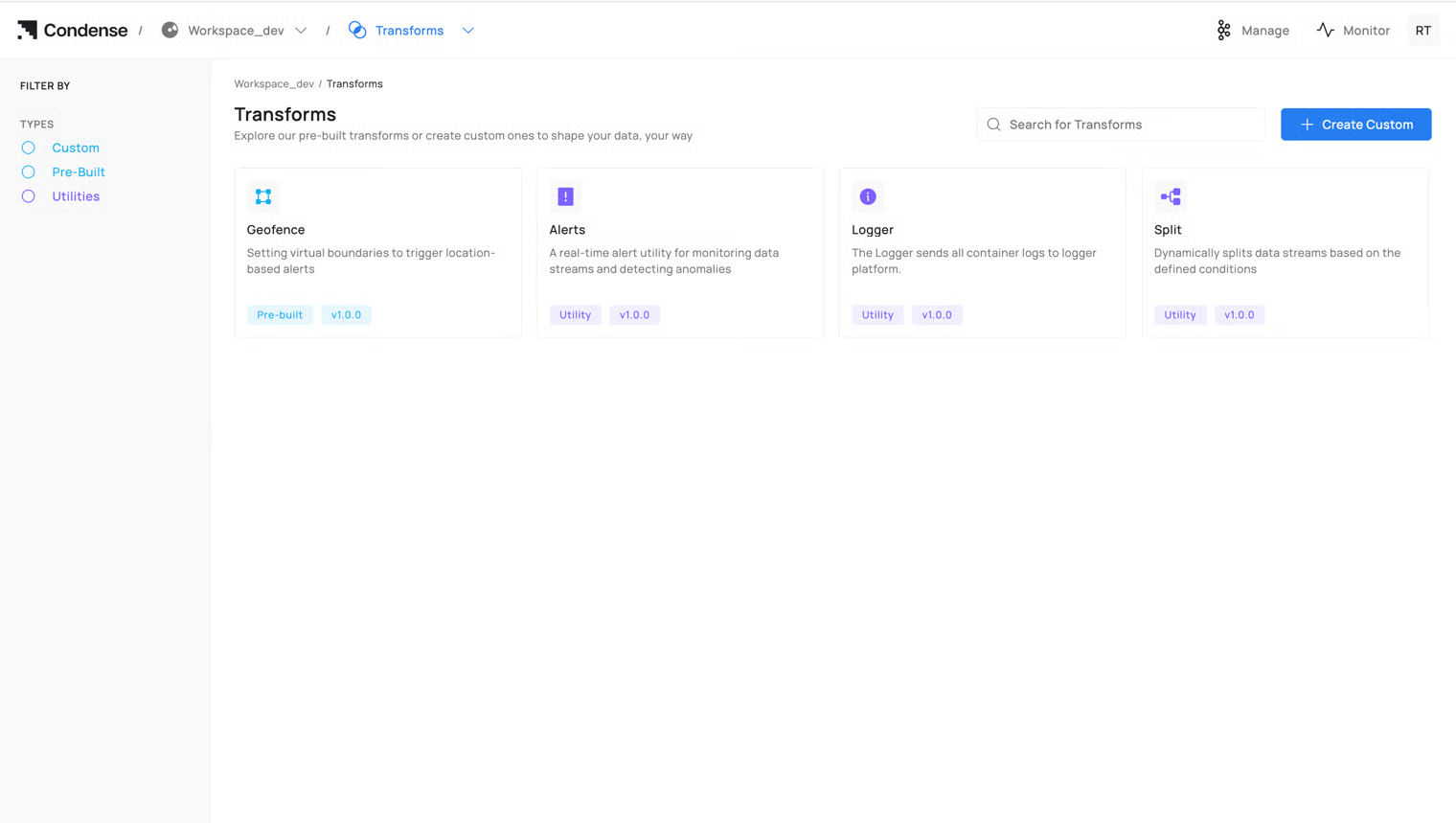
3. Custom Transform Deployment: \
Applications can be published as Custom Transforms and integrated into pipelines.
4. Lifecycle Management: \
Applications transition between draft and published states, enabling iterative development.
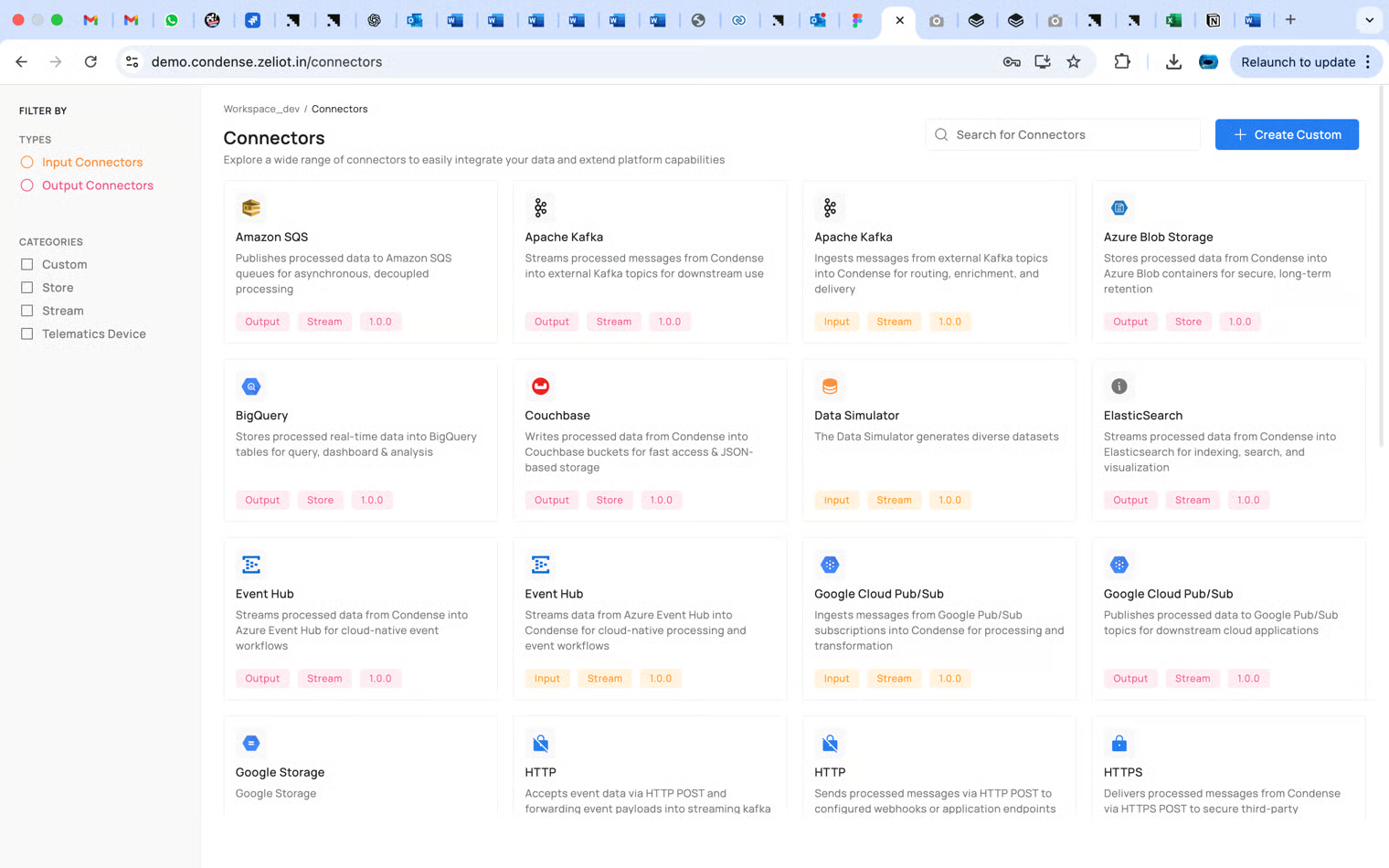
## Pre-Built Connectors
1. Stream Connectors: \
a. Handle real-time data ingestion with tools like Kinesis, MQTT, and HTTPS connectors. \
b. Enable seamless integration of continuous data flows for IoT and analytics.
2. Store Connectors: \
a. Facilitate integration with databases like MongoDB, MySQL, Cassandra, and InfluxDB. \
b. Provide data persistence for analytics and visualization.
### Mobility domain-specific vertical connector
#### Vehicle Telematics:
a. Specialized in real-time data flow from vehicle telematics devices like Teltonika and Condense Edge. \
b. Supports TCP/IP and MQTT protocols for efficient data communication.
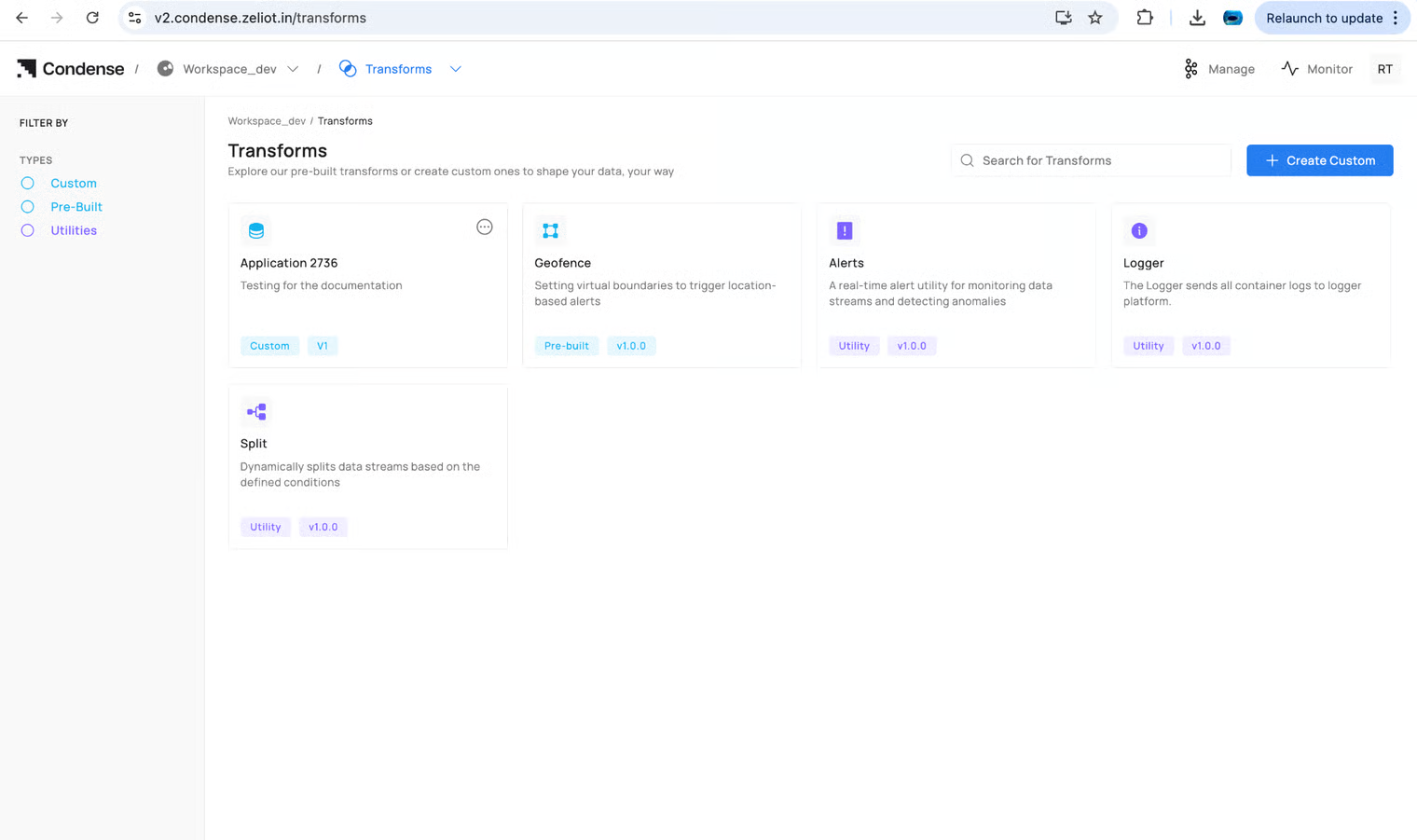
## Custom Transforms
1. Flexible Development: \
a. Users can write, debug, and test custom transformation logic. \
b. Integrated environment for deploying and monitoring transforms in pipelines.
2. Version Control: \
Restore and publish new versions of transforms for iterative improvements.
3. Deployment Insights: \
Logs and metrics enable monitoring and troubleshooting during deployment.
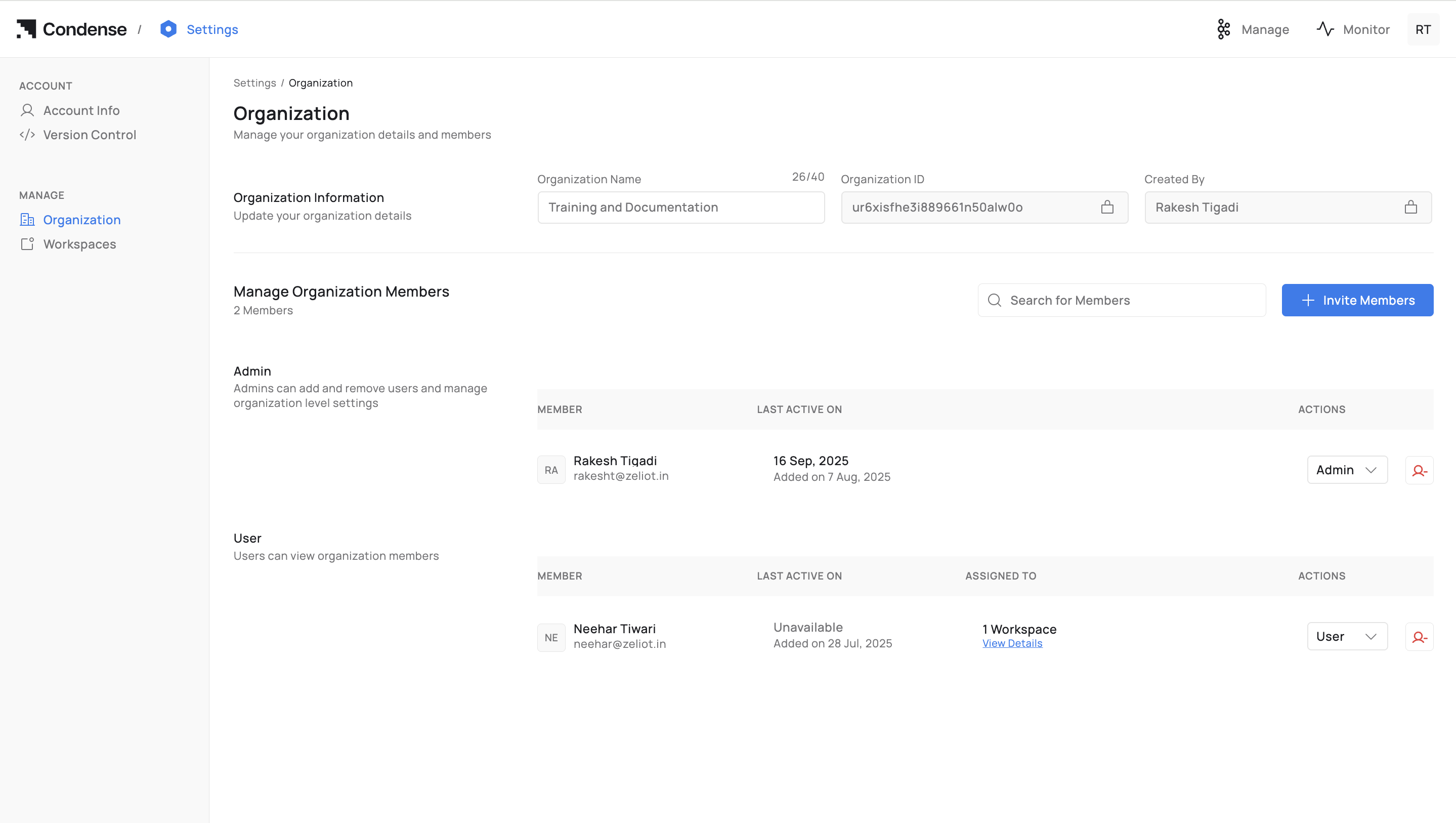
## Role-Based Access Control (RBAC)
1. Hierarchical Roles: \
Organization-level roles (Admin, User) and Workspace-specific roles (Maintainer, Developer, Viewer) define access control.
2. User Management: \
Admins can invite users, assign roles, and manage permissions.
3. Granular Control: \
Assign specific permissions for managing pipelines, connectors, and applications.
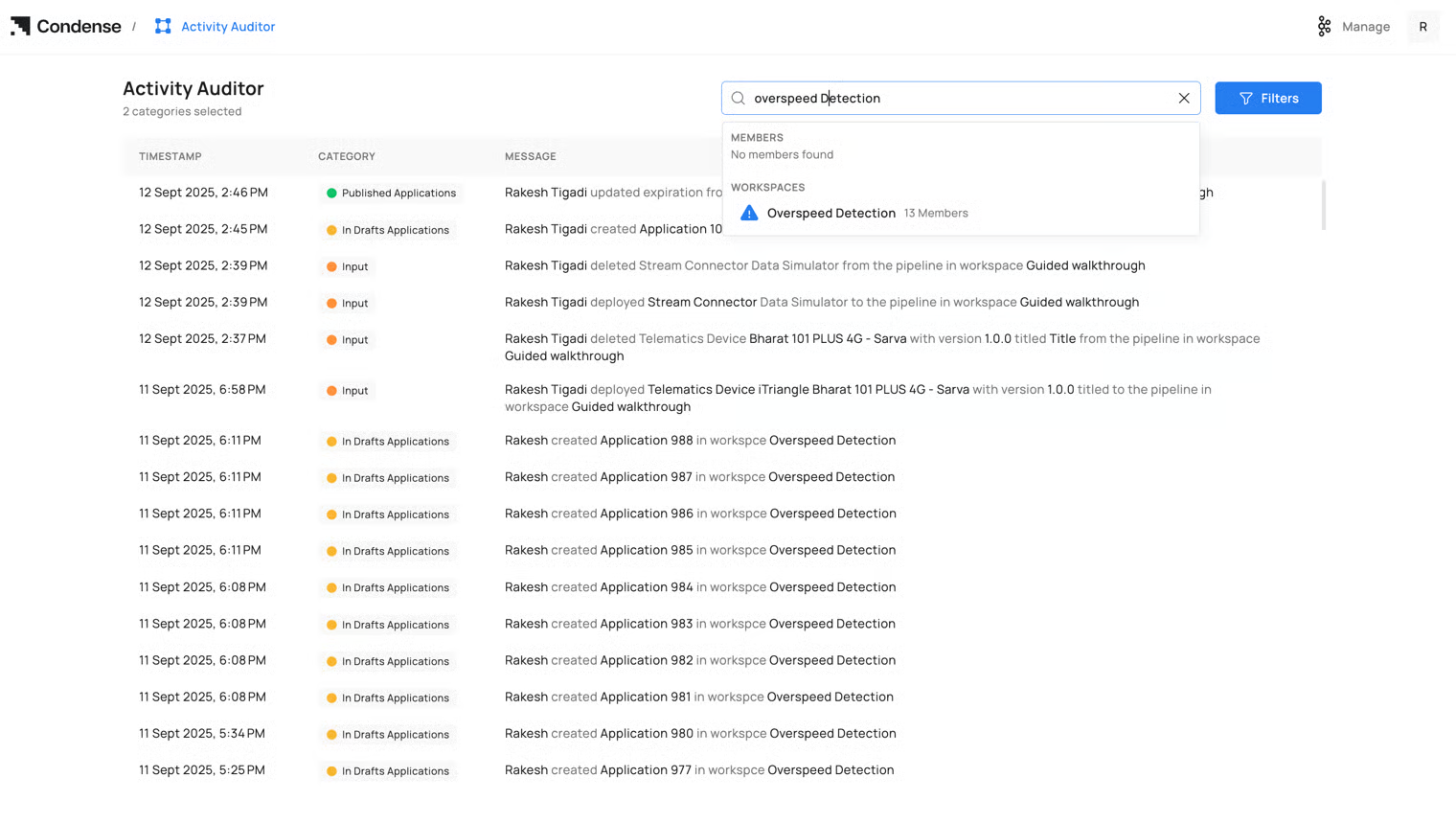
## Activity Auditor
1. Comprehensive Activity Logs: \
Tracks actions across workspaces, connectors, applications, and user roles.
2. Filtering and Searching: \
Enables users to locate specific logs by keywords, user names, or dates.
3. Monitoring and Compliance: \
Ensures transparency and simplifies troubleshooting.
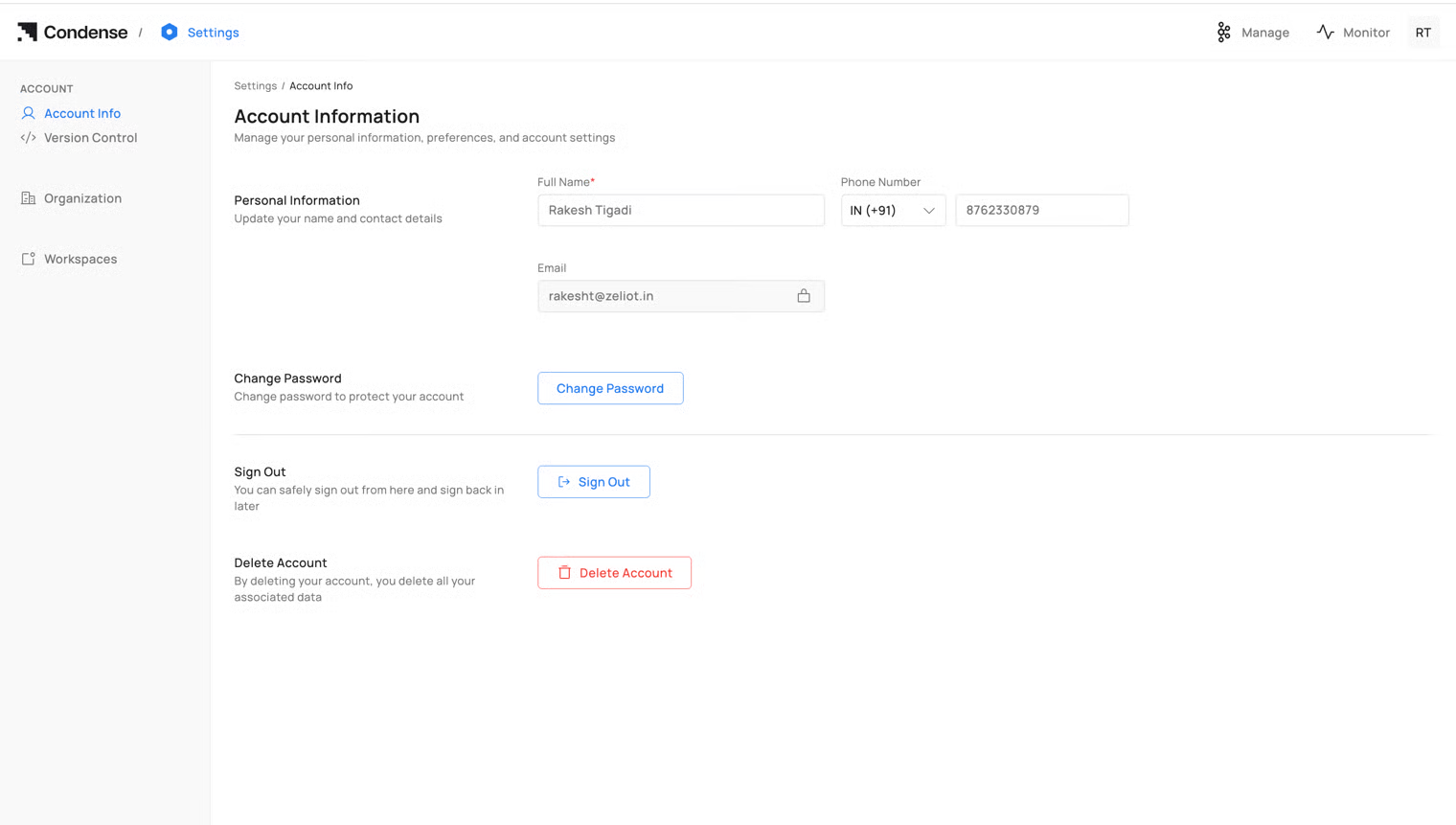
## Settings
1. Personal and Organization Details: \
Manage personal information and organizational settings.
2. Code Repository Management: \
Connect and manage repositories for seamless version control.
3. User and Role Management: \
Invite users, manage pending invites, and update roles.
4. Account Actions: \
Features like secure sign-out and account deletion for data control.